
10 Best Homekit Hub in 2026 - Features and FAQs
Mike William Jun 6, 2026 11:12 PM
HomeKit hubs are becoming increasingly popular as a way to control and monitor your home from one central hub. With the right HomeKit hub, you can easily connect your smart home devices, automate tasks, and even use voice commands to control them. But with so many options on the market, it can be difficult to know which HomeKit hub is best for you. In this article, we will discuss the features of some of the best HomeKit hubs available and help you decide which one is right for your home automation needs.
Top Picks
The selections below represent the best HomeKit hub options based on consistent performance, overall value, and ease of integration in real-world setups. Each choice has been evaluated for reliability, responsiveness, and day-to-day usability. The following picks highlight models that deliver a balanced and practical smart home experience.

Source: Amazon
Best Integration: Ezlo Plus Smart Home Hub with Zigbee & Z-Wave
The Ezlo Plus Smart Home Hub combines Zigbee, Z-Wave, RF, and Wi-Fi compatibility through its MiOS platform, enabling centralized control of a wide range of connected devices. It supports voice integration with Amazon Alexa and Google Assistant, and connects via Ethernet for stable operation within a compact, plug-in design.
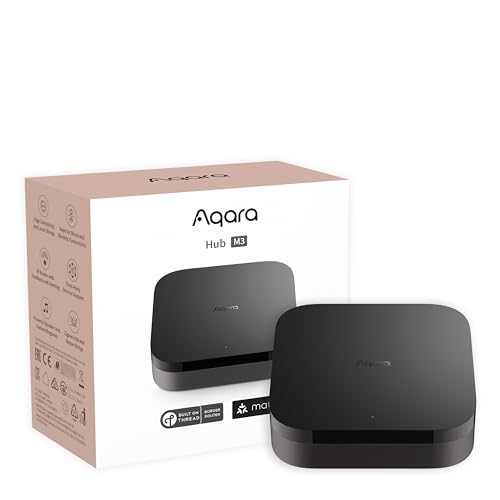
Best Automation: Aqara Smart Home Hub M3 for Advanced Automation
The Aqara Smart Home Hub M3 is a multi-protocol controller that combines Zigbee, Thread, Bluetooth, Wi-Fi, and IR with Matter support for broad ecosystem compatibility. It features local automation via an edge architecture, PoE and dual-band Wi-Fi connectivity, and 8GB of encrypted local storage for configuration and system data.
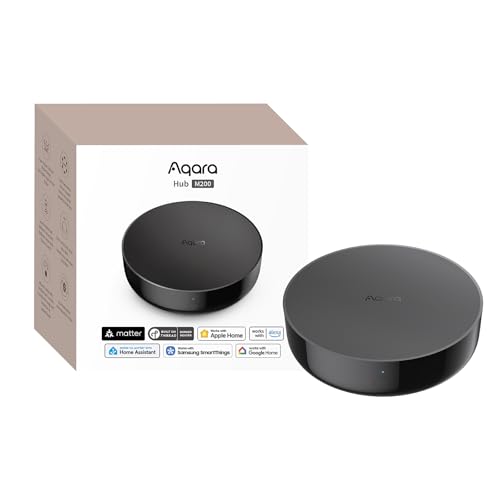
Best Value: Aqara Smart Hub M200, Matter Controller
The Aqara Smart Hub M200 is a compact multi-protocol hub that functions as a Matter controller, Thread border router, and Matter bridge, supporting Zigbee, Bluetooth, Wi-Fi, and IR. It offers PoE connectivity, local automation processing, and a built-in speaker for alerts, with support for major ecosystems including Apple HomeKit, Alexa, Google Home, and Home Assistant.
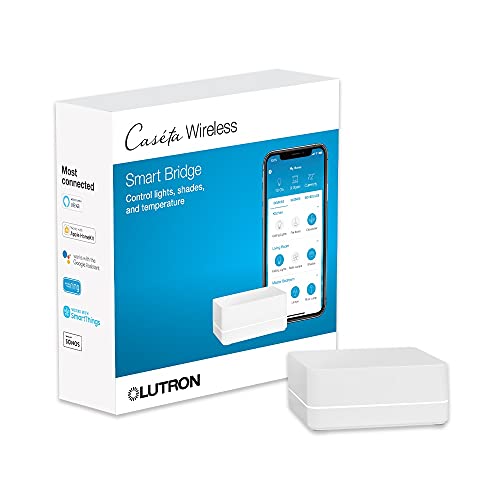
Best Reliability: Lutron Caseta Smart Lighting Smart Hub
The Lutron Caséta Smart Hub (L-BDG2-WH) is a lighting-focused controller designed to manage up to 75 devices using Lutron’s Clear Connect technology. It integrates with major platforms like Amazon Alexa, Apple HomeKit, and Google Home, offering stable, low-interference control for lights, shades, and related accessories.
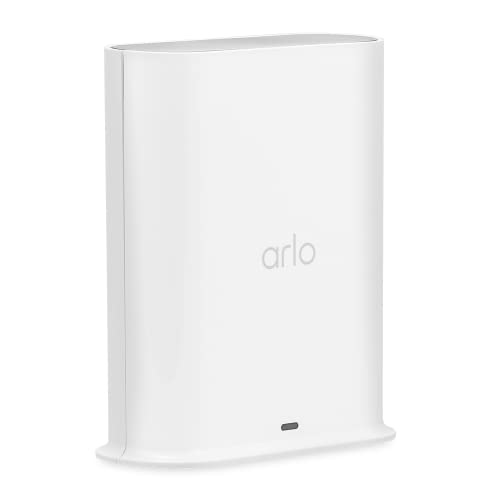
Best Security: Arlo Pro SmartHub, Arlo Certified Accessory
The Arlo Pro SmartHub (VMB4540) is a camera-focused hub designed to connect and manage compatible Arlo devices using Ethernet for stable routing and wireless communication for cameras. It supports dual-band Wi-Fi, local video backup via USB, and extended range connectivity for security systems.

- 9.3
- BrandN/A
- 9.2
- BrandN/A
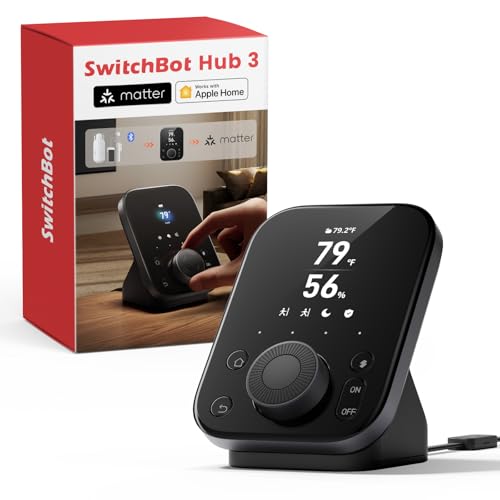
- 9.0
- BrandSwitchBot
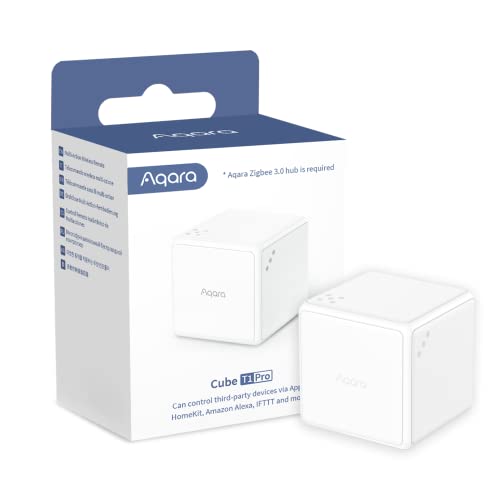
- 8.9
- BrandAqara
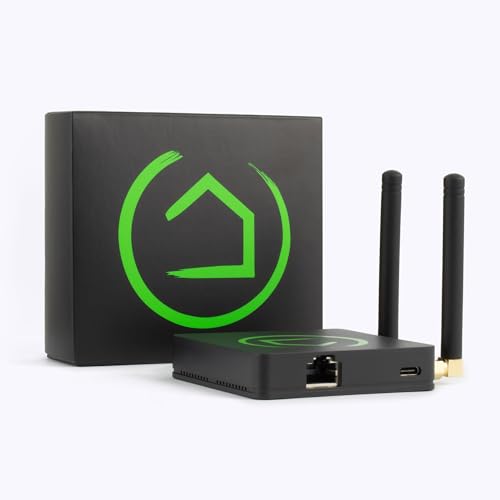
- 8.7
- BrandHubitat
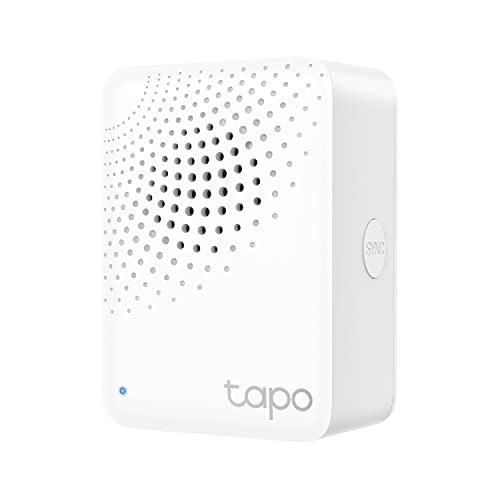
- 8.5
- BrandN/A
- 8.3
- BrandAirversa
Last update on 2026-06-06 / Affiliate links / Images, Product Titles, and Product Highlights from Amazon Product Advertising API
1: Ezlo Plus Smart Home Hub with Zigbee & Z-Wave
Pros
- Multi-protocol compatibility
- Broad device integration
- Voice assistant support
- Centralized automation control
Cons
- Inconsistent user ratings
The Ezlo Plus positions itself as a flexible hub for mixed-device environments, allowing users to bring together products across multiple protocols without being locked into a single ecosystem. Its MiOS platform focuses on unified control and automation, which can simplify management for complex setups, though overall responsiveness may vary depending on the number and type of connected devices. Setup is relatively straightforward with app-guided instructions, but reliance on Ethernet may limit placement options in some homes. In daily use, it offers solid functionality for coordinating smart locks, lights, and cameras, though performance consistency can depend on network stability and integration depth.
User feedback suggests appreciation for its wide compatibility and ability to manage diverse smart home devices in one place. However, some users note occasional reliability issues and a learning curve when configuring more advanced automations.
This hub is best suited for users who need a single platform to manage a mix of Zigbee, Z-Wave, and Wi-Fi devices across different brands.
2: Aqara Smart Home Hub M3 for Advanced Automation
Pros
- Matter bridge integration
- Local automation processing
- Multi-protocol support
- Built-in IR blaster
Cons
- Limited third-party Zigbee support
The Hub M3 emphasizes local control, which can improve responsiveness and reduce dependence on cloud services in everyday use. Its ability to bridge Aqara devices into Matter ecosystems expands compatibility, particularly for users running mixed smart home platforms. The inclusion of Thread and PoE adds flexibility in both network stability and future-proofing, while the IR blaster introduces control over traditional appliances, extending functionality beyond typical hubs. Setup is streamlined through app-based pairing, though optimal performance may require careful device placement and network configuration.
User feedback generally highlights reliable performance, strong integration within the Aqara ecosystem, and the benefits of local automation. Some users note limitations when attempting to connect non-Aqara Zigbee devices and occasional complexity when configuring advanced features.
This hub is best suited for users invested in Aqara products or those seeking a locally controlled, Matter-compatible system with broad protocol support.
3: Aqara Smart Hub M200, Matter Controller
Pros
- Matter and Thread support
- Local automation execution
- Integrated IR control
- Flexible PoE connectivity
Cons
- Limited device capacity
The M200 focuses on delivering core smart home functionality in a smaller, more affordable package, making it suitable for moderate-scale setups. Local automation improves responsiveness and reliability, particularly for essential routines and security-related triggers, while Matter bridging enhances interoperability across platforms. Its IR blaster expands control to legacy devices, and PoE support offers stable connectivity in fixed installations. However, the lower device limit compared to higher-end hubs may require planning for users with more extensive smart home networks.
User feedback reflects satisfaction with its ease of setup, stable local performance, and cross-platform compatibility. Some users note the device cap and Aqara-centric ecosystem as practical limitations depending on system size and device diversity.
This hub is best suited for users seeking an affordable, locally controlled smart home solution with modern Matter and Thread support.
4: Lutron Caseta Smart Lighting Smart Hub
Pros
- Highly reliable connectivity
- Strong ecosystem integration
- Simple setup process
- Dedicated lighting control
Cons
- Limited device compatibility
The Caséta Smart Hub prioritizes consistent performance over broad protocol support, relying on its proprietary Clear Connect system to minimize interference with Wi-Fi networks. In real-world use, this results in dependable response times and stable connections, particularly for lighting automation and scheduling. Setup is straightforward, and the app-based configuration makes it accessible for most users, though its functionality is closely tied to Lutron-specific devices. While it integrates well with major voice assistants and platforms, it is less suited for users seeking a single hub for diverse smart home categories.
User feedback consistently highlights its reliability and ease of use, especially in lighting control scenarios. Some users point out the limited compatibility outside the Lutron ecosystem as a trade-off for its stability.
This hub is best suited for users focused on dependable, centralized control of Lutron lighting and shading systems.
5: Arlo Pro SmartHub, Arlo Certified Accessory
Pros
- Long-range camera connectivity
- Local video storage support
- Integrated smart siren
- Easy camera setup
Cons
- Limited ecosystem compatibility
The Arlo Pro SmartHub is built primarily to enhance the performance and coverage of Arlo security cameras rather than serve as a universal smart home controller. Its wired connection to the router ensures stable communication, while wireless links extend coverage for cameras placed across larger properties. The addition of local storage via USB offers practical value for users who want backup recording without relying entirely on cloud services. In everyday use, it delivers reliable performance within the Arlo ecosystem, though its functionality is largely restricted to supported devices.
User feedback reflects satisfaction with its stable connectivity, improved camera range, and local storage capabilities. Some users note that its limited compatibility outside Arlo products reduces flexibility compared to broader smart home hubs.
This hub is best suited for users invested in Arlo cameras who want extended coverage and local recording capabilities.
Home Kits are the perfect way to turn your home into a smart, connected space. Home Hubs are the gateway to this world, allowing you to control all your HomeKit enabled devices from one central hub. With the right Home Hub, you can easily and securely connect all your HomeKit devices in one place, so you can manage them with ease and convenience. So which Home Hub is the best for your needs? Let's explore some of the top options to find out!
Does HomeKit work better with a hub?
HomeKit is a revolutionary home automation technology developed by Apple. It allows users to control their smart home devices from one app or even through voice commands. While HomeKit does not require a hub for most of its features, adding a hub can add significant benefits to the system, such as improved security and extended range. By pairing HomeKit with a hub, users can enjoy the convenience and power of home automation in an even more secure and efficient way.
How many HomeKit hubs should I have?
For those who want to create a smart home with HomeKit, it's important to consider how many hubs you should have. This depends on the size of your home and the number of HomeKit-compatible devices you want to connect. While additional hubs can provide more coverage, they also require more power and take up extra space. It's important to consider your needs before deciding how many HomeKit hubs are necessary for your home.
Which Apple TV works as HomeKit hub?
Apple TV is a great way to access streaming services and enjoy entertainment from the comfort of your home. But did you know it can also act as a HomeKit hub? With Apple TV, you can easily control all your HomeKit-enabled devices from one place, making it easy to automate your home and make it a smarter, more efficient space.
Do you need a Philips hue hub for HomeKit?
HomeKit is an incredibly convenient and powerful system for controlling your home's lighting, but it can be confusing to know exactly what you need. With the Philips hue hub, you'll have access to all of HomeKit's features and will be able to control your lights from anywhere in the world. The hub also allows you to connect multiple Philips hue bulbs and fixtures together so you can create custom lighting scenes that can be activated with a single command.
Related Posts:
The Best Apple Homekit Devices of 2026
10 The Best Homekit Bulbs: Reviews – Buyer’s Guide for 2026
10 The Best Homekit Bulbs: Reviews – Buyer’s Guide for 2026
10 The Best Wifi Dimmer Switch We've Tested by Smart Home Review
10 The Best Smart Switch For Homekit We've Tested

Mike William
Mike William graduated from the University of California, Los Angeles (UCLA) with a major in mechatronics and has 3 years of experience in the field of quality management of smart home products in manufacturing enterprises. Mike William will provide the latest and most accurate information about products to help you make the most suitable choice.










- How to Clean Your Air Conditioner So It Runs Like New All Summer
- Sainlogic SA7 Review: The Best WIFI Smart Weather Station
- Cheap Robot Vacuum and Mop Options for Efficient Home Cleaning
- How to choose a robot vacuum for pet hair
- Ultimate Guide: How to Protect Your Outdoor Security Cameras from Hacks and Vandalism
- How to Maximize Cooling Efficiency with the Best Portable Air Conditioner
- How To Maintain And Clean Your Cooling Fan For Longevity
- How to Fix Smart Switch Won't Connect to Device
- The best smart Wi-Fi router for home
- Guide to cleaning washing machines at home